Jay E | RoboNuggets
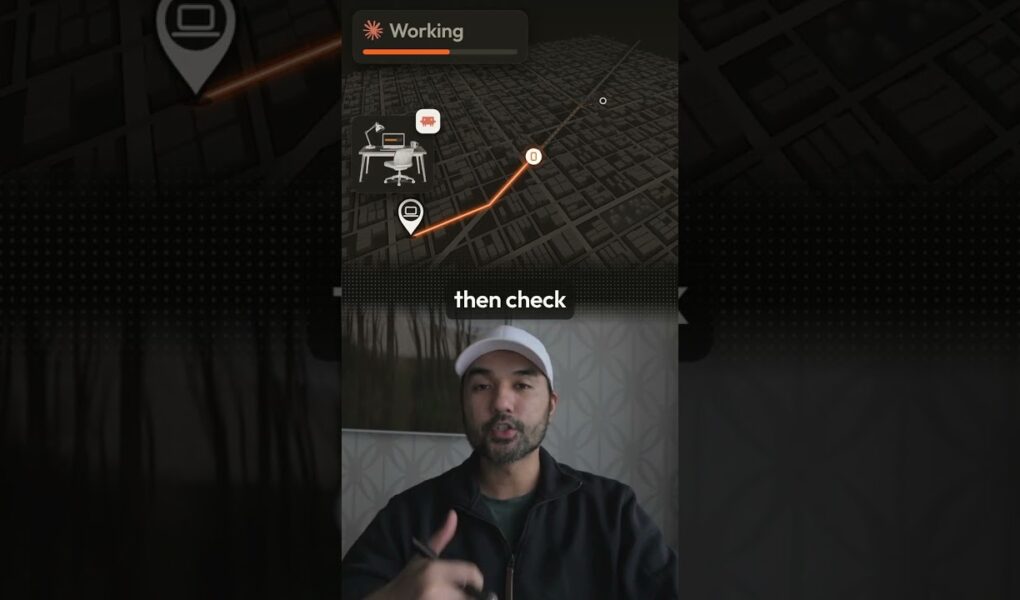
Carry on any Claude Code session from your phone with Remote Control:
– Start a big task at your desk, then check on it and reply while you’re away
– For one chat: in the Code tab, click Show session rail and toggle Remote Control on
– For every chat: Settings, Claude Code, then turn on Connect new sessions to Remote Control
– It’s one of 11 Claude 2.0 updates in the free guide
Free Claude 2.0 guide: https://www.skool.com/robonuggets-free/classroom/750914f0?md=9c095e51bc8a418dbb67e9a5c5b5a966
Questions we answered:
Can I use Claude Code from my phone?
What is Claude Remote Control?
How do I keep Claude working while I’m away?
#claudecode #claude #anthropic #aitools #robonuggets
Source

Claude 2.0 Desktop Guide (free PDF, all 11 updates):
https://www.skool.com/robonuggets-free/classroom/750914f0?md=9c095e51bc8a418dbb67e9a5c5b5a966
Then do this: in Settings, Claude Code, turn on Connect new sessions to Remote Control, so every new chat is ready for your phone.
Master AI resources like these in the RoboNuggets network (it's free): https://skool.com/robonuggets-free
Cheers,
Jay
This has been around for like 7 months dude, what do you mean "just" . You're just another AI news peddler you don't know squat
You see, I know I’m using Claude code properly when I had it configured to automatically enable remote control for any new Claude code sessions. Now it’s actually included as an option
I love this feature. It’s like a super power to still be productive while driving or stuck in meetings.